
Verisurf
Verisurf Inspection Software
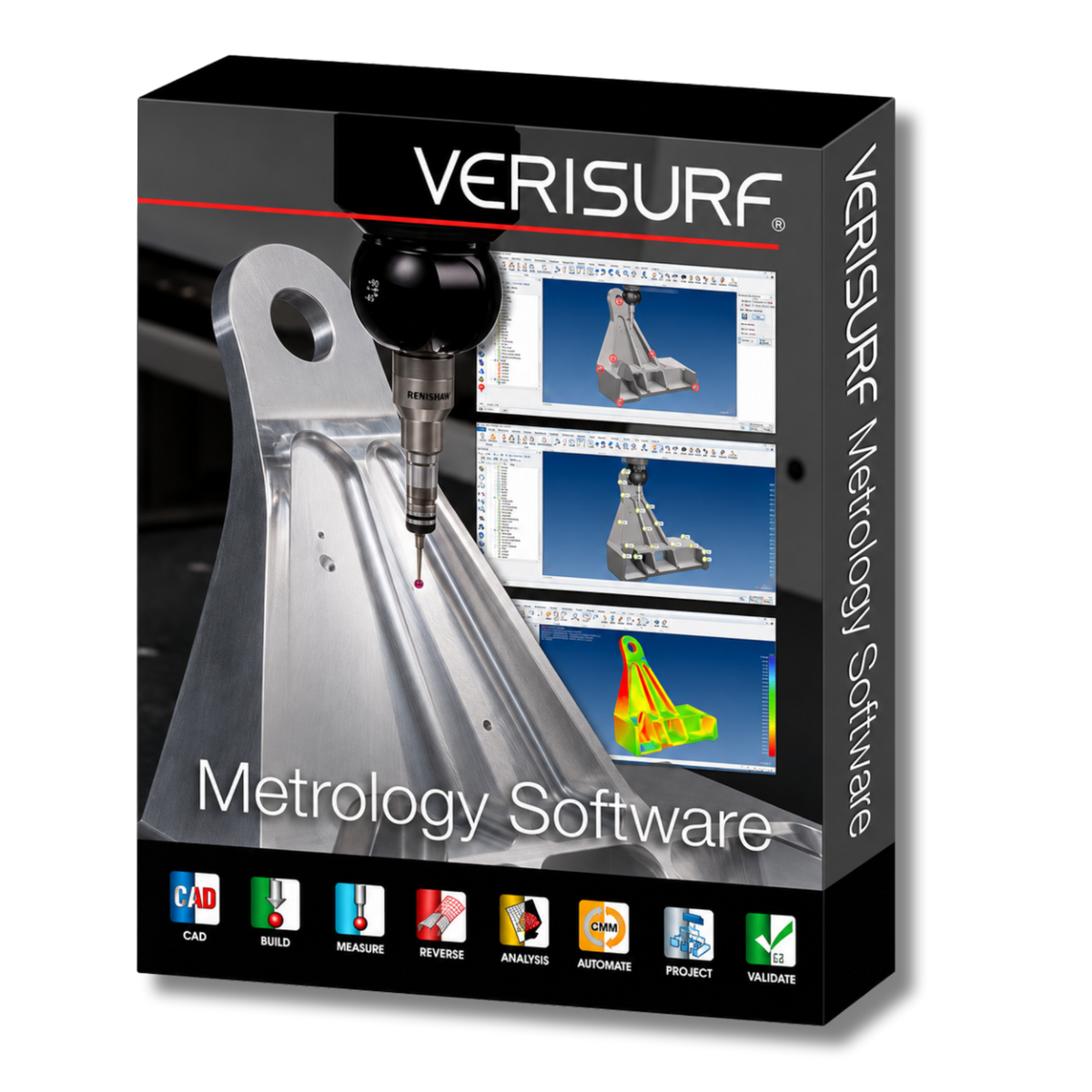
The Verisurf Inspection Suite is a comprehensive metrology solution that integrates Verisurf’s CAD, MEASURE, and ANALYSIS modules. It is designed to streamline inspection processes, enhance measurement accuracy, and improve reporting capabilities across various industries
What is Verisurf Inspection Software?
-

Why Users Choose Verisurf for 3D Inspection
Get a Free DemoUsers choose Verisurf for its hardware-neutral, open-platform compatibility and CAD-based architecture. It provides a single, unified interface for all measuring devices, drastically reducing training time while ensuring precision and consistency across every inspection, reverse engineering, and assembly task.
-

3D Quality Control & Inspection with Verisurf
Request a Free TrialEnsure flawless manufacturing by integrating Verisurf's model-based inspection into your process. Seamlessly compare physical part measurements directly to nominal CAD features, utilizing real-time deviation arrows, 3D color maps, and GD&T tolerances to resolve assembly issues and verify design conformance instantly.


Typical Workflow Using Verisurf

Verisurf Application Modules
| Modules | What it includes | Best for |
|---|---|---|

CAD |
Unlimited graphics viewing, easy drafting tools, MBD integration, and the Verisurf Device Interface (VDI) to import and edit all major CAD formats. | Handling large assemblies, preparing files for inspection, and establishing a robust 3D solid modeling foundation. |

MEASURE |
Real-time feature calculation, guided AutoAlign routines, probe radius compensation, and single-point or high-volume point cloud data capture. | Fast, real-time inspection of geometric primitives and efficient feature-based part verification using virtually any 3D digitizer. |

BUILD |
Dynamic, graphical 3D deviation-arrows, large digital read-outs, and tolerance-controlled color displays indicating direction and distance to nominal. | Positioning moveable tooling details, eliminating hard tooling, and providing real-time guidance during complex manufacturing assembly. |

ANALYSIS |
Fully controllable 6-DOF best-fit alignments, multi-surface comparisons, and customizable reporting with 3D color topographical deviation and whisker maps. | Validating CAD models and troubleshooting complex assembly problems by identifying precise part-to-model tolerance deviations. |

REVERSE |
Point cloud meshing, AutoSurface routines, mixed-modeling tools, and features to filter, slice, and best-fit scan data into smooth surfaces. | Processing dense 3D scan data to create manufacturable, precise 3D solid CAD models from physical artifacts. |

AUTOMATE |
Object-oriented sequencing, visual drag-and-drop CMM programming, probe path simulation, and compliance with the open I++ DME standard. | Reducing CMM inspection plan setup from hours to minutes while executing automated CNC machine tool probing workflows. |
Software Solution Suites
Verisurf is a modular software enabling us to configure the right software suite to meet the needs and budget of each customer.
-

Metrology Enterprise Suite
The Metrology Enterprise Suite consolidates all of Verisurf’s capabilities in an integrated, easy-to-learn and easy-to-use experience that gives operators the capacity to excel at any conceivable metrology project.
Includes modules: CAD, MEASURE, BUILD, ANALYSIS, REVERSE, AUTOMATE -

CMM Programming & Inspection Suite
Significantly reduce inspection plan setup from hours to minutes with almost no learning curve. Use on any CMM in a revolutionary, click-and-build visual interface.
Includes modules: CAD, MEASURE, AUTOMATE -

Inspection & Analysis Suite
Identify deviation and tolerance conditions between measured parts and nominal CAD in a premium user experience.
Includes modules: CAD, MEASURE, ANALYSIS -

3D Scanning & Reverse Engineering Suite
Create manufacturable, 3D, solid CAD models starting from any physical part in record time. A unique product designed exclusively for pointcloud to solid model workflows.
Includes modules: CAD, MEASURE, REVERSE -

Tool Building & Inspection Suite
Quickly and accurately set tooling details with real-time “build-to” computer aided assembly to CAD. Adjust, shim, ream, and perfect your assembly followed by instant QC inspection report of the completed tool or assembly.
Includes modules: CAD, MEASURE, BUILD -

Scan Data Suite
Transform point cloud or mesh data from handheld scanners or any capture device into a 3D solid model with ease. Fit data to CAD and create illustrative color maps and profile error inspection reports.
Includes modules: CAD, REVERSE, ANALYSIS


See How Businesses Use This in the Real World
-

Industrial & Manufacturing
Precision casting manufacturers use the software across all CMMs to streamline first article inspection and reverse engineering, boosting workflow efficiency by up to five times.
-

Product Design & Creative
Modelers and fabricators reverse-engineer intricate geometries, inspect carbon fiber tooling, and guide the precise assembly of full scale physical prototypes and props.
-

Aerospace & Automotive
Aircraft builders leverage model based metrology to design form blocks, inspect formed sheet metal parts, and align complex aerodynamic components.
-

Education & Cultural Heritage
Technical institutions integrate the software into precision machining curricula to cross-train operators in 3D metrology, MBD, and automated quality inspection.


See Verisurf in Real Inspection Workflows
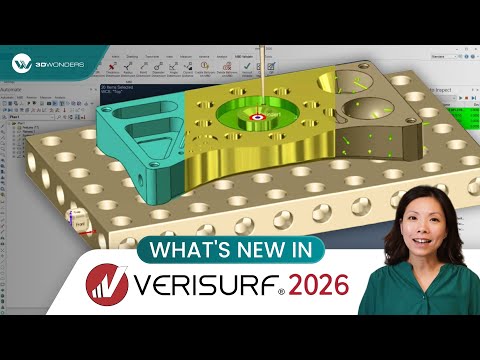
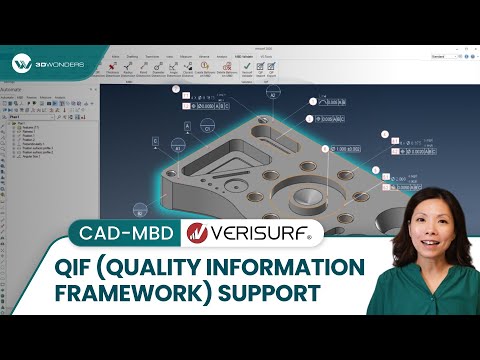
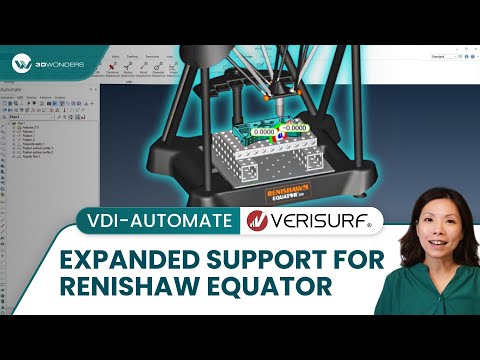

As an authorized Verisurf of Verisurf. 3D Wonders provides licensed software, expert onboarding, and dedicated customer support—ensuring you get the most from every update.
Computer Requirements
| Category | Probing System Requirements | Scanning System Requirements |
|---|---|---|
| Operating System | Windows 11 Professional | Windows 11 Professional |
| Processor (CPU) | Intel Core i7 OR Xeon E3® or later, 3.2GHz or faster |
Intel Core i9 OR Xeon W® or later, 3.2GHz or faster |
| Memory (RAM) | 32 GB or higher | 64 GB or higher |
| Graphics (GPU) | NVIDIA® RTX or AMD® Firepro™ / Radeon Pro Workstation-class graphics card with 8 GB or higher dedicated memory | NVIDIA® RTX or AMD® Firepro™ / Radeon Pro Workstation-class graphics card with 16 GB or higher dedicated memory |
| Storage | NVMe Drive with at least 20 GB free and a USB 3.0 reader (depending on installation media and licensing method) | |
| Key Product Feature | Metrology Enterprise | CMM Prog & Inspections | Inspections & Analysis | 3D Scan & Reverse | Tool Build & Inspections | Scan Data |
|---|---|---|---|---|---|---|
| CAD Module | ✓ | ✓ | ✓ | ✓ | ✓ | ✓ |
| MEASURE Module | ✓ | ✓ | ✓ | ✓ | ✓ | |
| AUTOMATE Module | ✓ | ✓ | ||||
| ANALYSIS Module | ✓ | ✓ | ✓ | |||
| REVERSE Module | ✓ | ✓ | ✓ | |||
| BUILD Module | ✓ | ✓ |
Start Using Verisurf
Frequently Asked Questions
Looking for something specific? Let us know, and we’ll be happy to assist you.
Yes, its open-platform architecture supports virtually all portable and stationary CMMs, laser trackers, and 3D scanners.
Yes, Verisurf Basic can read native CAD formats including CATIA, NX, SolidWorks, and Inventor.
Yes, the Automate module offers object-oriented, drag-and-drop CMM programming without requiring complex coding.
Yes, you can generate flexible, custom reports in HTML, Excel, or PDF with embedded 3D color deviation plots.
Yes, Verisurf utilizes PTB-certified algorithms and NIST-tested fitting for reliable and accurate geometric feature extraction.
