

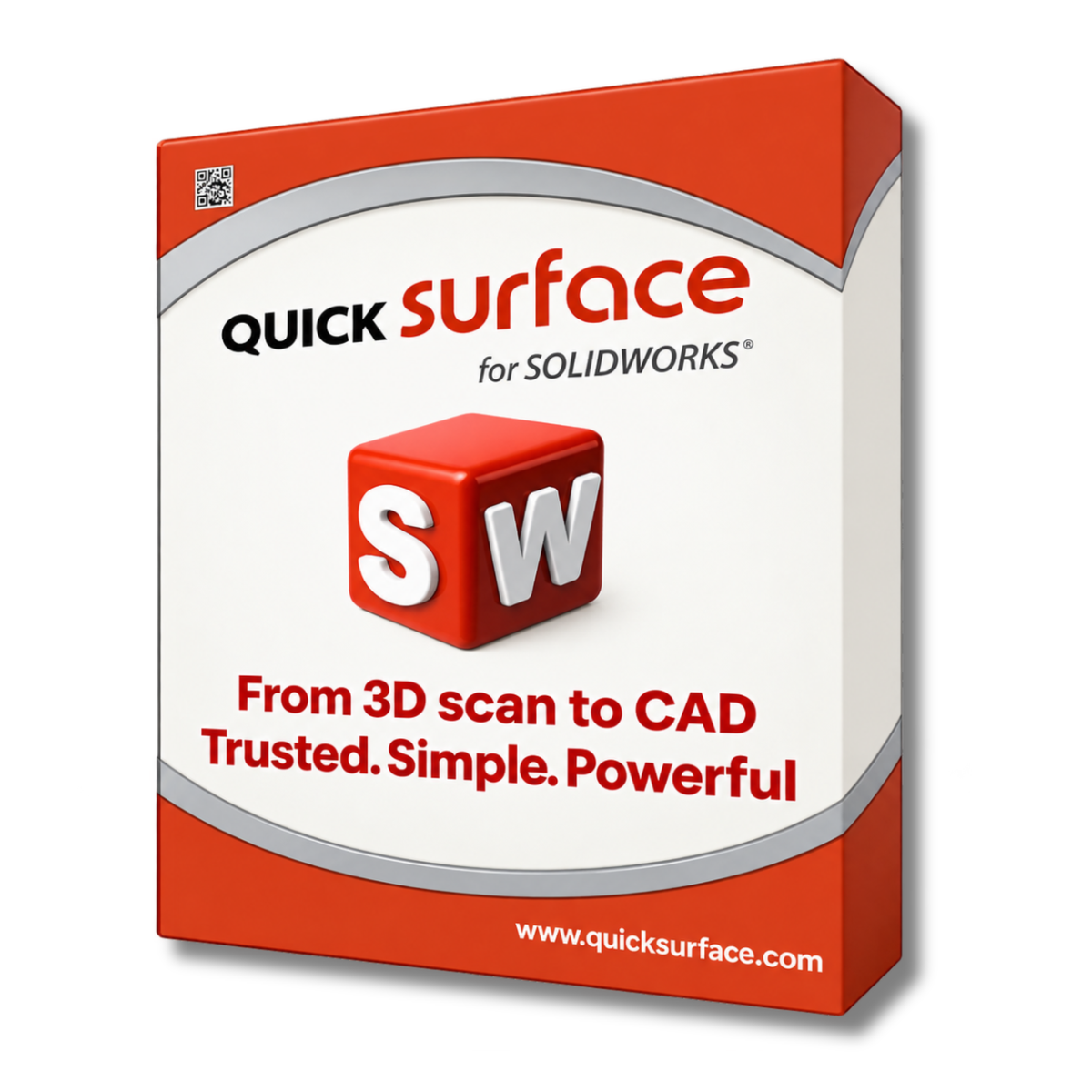
What is QUICKSURFACE for SOLIDWORKS?
-

Why User Use QUICKSURFACE for SOLIDWORKS for Reverse Engineering
Get a Free DemoExpert developed specifically for 3D scanning and data processing, this add-in features fast algorithms, a simple interface, and extensive tutorials. It is designed to make reverse engineering fast, easy, and cost effective. Saving you over 50% of the time and effort typically required.
-

Reverse Engineering with QUICKSURFACE for SOLIDWORKS
Request a Free TrialReverse engineering is simplified natively inside SOLIDWORKS using this add-in. You can intuitively align scan data, fit precise line arcs and complex shapes to reference section points, and reconstruct organic free form shapes in the most accurate way using proprietary snap-to-mesh technology.


Typical Workflow Using QUICKSURFACE for SOLIDWORKS

See How Businesses Use This in the Real World
-

Industrial & Manufacturing
Engineers import large scan meshes effectively into SOLIDWORKS to reverse engineer complex mechanical parts by intuitively aligning multiple scans together to create a single, unified representation.
-

Product Design & Creative
Designers reconstruct complex organic shapes using freeform modeling and proprietary snap-to-mesh technology natively inside their CAD environment.
-

Automotive & Aerospace
Professionals quickly reconstruct planes, cylinders, and other reference geometries using fast primitive extraction to precisely recreate complex drivetrain components and aftermarket parts.


See Quicksurface for SOLIDWORKS in Real Design Workflows
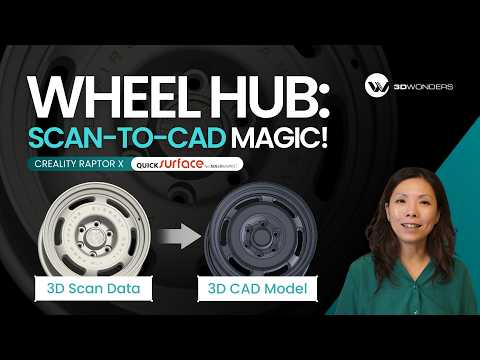
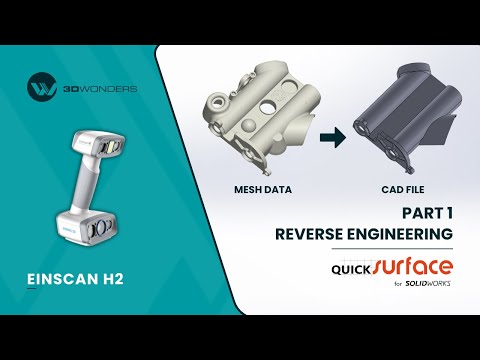
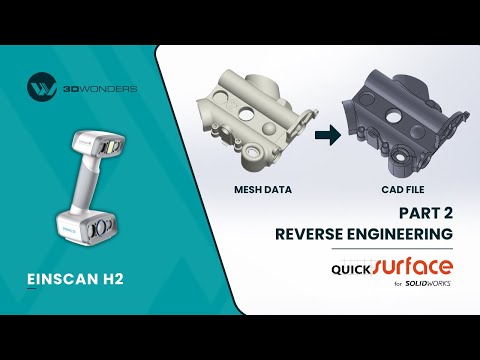

As a verified Gold Reseller and Approved Demo & Support Partner of QUICKSURFACE. 3D Wonders provides licensed software, expert onboarding, and dedicated customer support—ensuring you get the most from every update.
Computer Requirements
| Category | Requirements |
|---|---|
| Operating System | Windows 10/11 (64-bit) (Requires compatible SOLIDWORKS version) |
| Processor (CPU) | Intel Core i7 or equivalent (Recommended for SOLIDWORKS) |
| Memory (RAM) | 16 GB minimum (32 GB or more highly recommended for huge mesh data sets) |
| Graphics (GPU) | SOLIDWORKS certified professional graphics card |
| Storage | 512 GB SSD or larger recommended |
Start Using QUICKSURFACE for SOLIDWORKS
Frequently Asked Questions
Looking for something specific? Let us know, and we’ll be happy to assist you.
Yes, QUICKSURFACE for SOLIDWORKS is natively integrated and only compatible and licensed for use with SOLIDWORKS Desktop 3D CAD.
QUICKSURFACE for SOLIDWORKS 2026 is fully compatible with SOLIDWORKS Desktop 3D CAD. The earliest supported version is SOLIDWORKS 2019, ensuring seamless integration with both legacy setups and the latest releases.
You can easily load scan data from any 3D scanner using the industry-standard STL, OBJ, PLY, or PTX mesh file formats.
You can import large scan data effectively in seconds. A built-in polygon reduction function allows you to optimize the mesh without compromising quality.
Yes. You can align scan data intuitively in space, align directly to an existing CAD model, or combine multiple scans together.
Absolutely. You can quickly reconstruct planes, cylinders, cones, and spheres to create reference geometries, surfaces, or solid bodies directly in SOLIDWORKS.
Yes, a real-time deviation analyzer allows you to compare any SOLIDWORKS body or surface against the reference mesh using a 3D color map.
No, QUICKSURFACE for SOLIDWORKS is specifically developed and integrated for the SOLIDWORKS Desktop 3D CAD software.
Yes, it features an automatic surfacing tool that creates SOLIDWORKS-compatible organic surfaces with just the hit of a button.
Yes, you can draw style lines and points directly on the scan data and precisely adjust their location using interactive tools.
Pair text with an image to focus on your chosen product, collection, or blog post. Add details on availability, style, or even provide a review.