

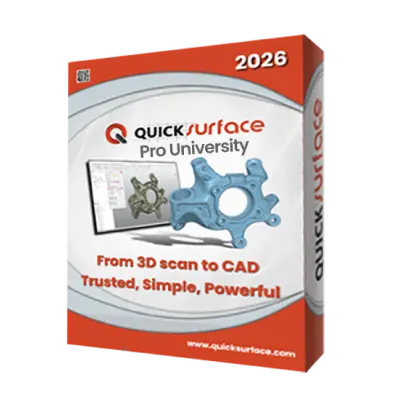
What is QUICKSURFACE Pro University?
-

Why Educators & Researchers Choose QUICKSURFACE Pro University
Get a Free DemoEducators choose this software because it grants full access to advanced reverse engineering capabilities tailored to prepare students for real-world engineering challenges. It provides a highly effective environment for learning, teaching, and research purposes.
-

Empowering Classrooms & Labs with 3D Metrology
Request a Free TrialQUICKSURFACE Pro University empowers classrooms by allowing students to easily process 3D scan data into watertight meshes for 3D printing or reverse engineering. Students can smoothly transition from physical scanning to digital modeling using snap-to-mesh technology, effortlessly creating complex shapes.


Typical Academic Workflow Using QUICKSURFACE Pro University

See How Academic Institutions Use This in the Classroom
-

Automotive Engineering
Students digitize complex physical components, like automotive seats, to quickly rebuild parametric CAD models for reverse engineering.
-

Product Design
Students master freeform surfacing techniques to convert 3D scans of complex, organic products into editable CAD models.
-

Mechanical Engineering
Students digitize complex mechanical parts to extract precise geometric data for advanced reverse engineering workflows.


See Quicksurface in Real Design Workflows
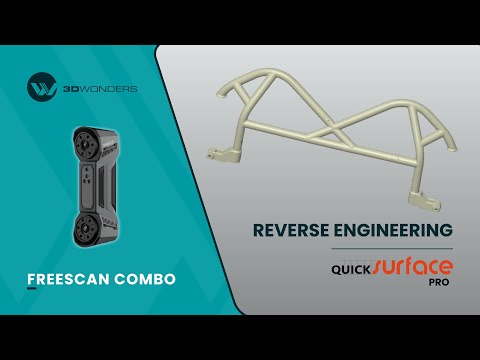
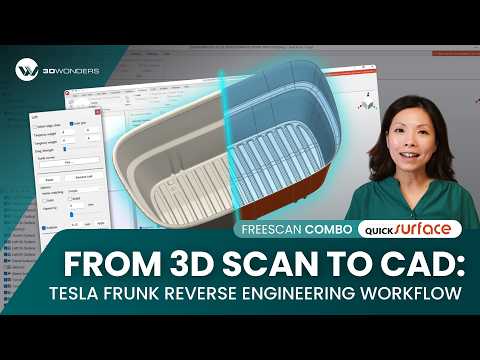
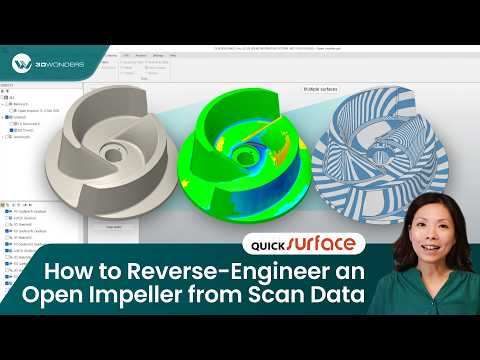

As a verified Gold Reseller and Approved Demo & Support Partner of QUICKSURFACE. 3D Wonders provides licensed software, expert onboarding, and dedicated customer support—ensuring you get the most from every update.
Computer Requirements
| Category | Requirements |
|---|---|
| Operating System | Windows 10 (64-bit) or Windows 11 |
| Processor (CPU) | Intel i5 or higher (or its equivalent of another CPU manufacturer) |
| Memory (RAM) | 16 GB |
| Graphics (GPU) | Dedicated graphics card – nVidia or AMD |
| Storage | 256 GB |
Start Equipping Your Students Today
Eligibility
Usage Restrictions
Frequently Asked Questions
Looking for something specific? Let us know, and we’ll be happy to assist you.
Only schools are eligible to purchase educational licenses. It is available to universities, colleges, schools, technical institutes, research institutions, educators, and students with institutional verification.
The software is restricted to educational, teaching, and academic research only. No commercial or industrial use is allowed.
No, you get full access to QUICKSURFACE Pro's advanced reverse engineering capabilities.
Absolutely. It features one-click auto-surfacing and snap-to-mesh technology to effortlessly create organic shapes.
You can contact 3D Wonders to discuss your setup, class size, and deployment needs, and we will recommend the most suitable QUICKSURFACE Pro University License for you.