

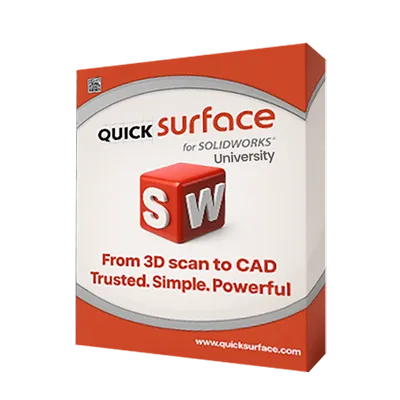
What is QUICKSURFACE for SOLIDWORKS University?
-

Why Educators & Researchers Choose QUICKSURFACE for SOLIDWORKS University
Get a Free DemoEducators choose this software because it integrates professional level reverse engineering seamlessly into the CAD platform students are already learning. It eliminates the need to teach a separate standalone software, saving valuable class time while providing powerful, trusted tools for academic research and design projects.
-

Empowering Classrooms & Labs with 3D Metrology
Request a Free TrialQUICKSURFACE for SOLIDWORKS University allows students to bridge the gap between physical objects and digital design natively. By importing raw 3D scans directly into SOLIDWORKS, students can reconstruct complex organic shapes, evaluate surface accuracy in real time, and generate watertight models ready for 3D printing or further engineering analysis.


Typical Academic Workflow Using QUICKSURFACE for SOLIDWORKS University

See How Academic Institutions Use QUICKSURFACE for SOLIDWORKS University
-

Automotive Engineering
Students digitize complex physical components, like automotive seats, to quickly rebuild parametric CAD models for reverse engineering.
-

Product Design
Students master freeform surfacing techniques to convert 3D scans of complex, organic products into editable CAD models.
-

Mechanical Engineering
Students digitize complex mechanical parts to extract precise geometric data for advanced reverse engineering workflows.


See Quicksurface for SOLIDWORKS in Real Design Workflows
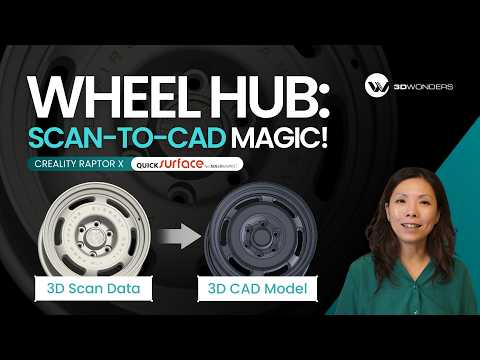
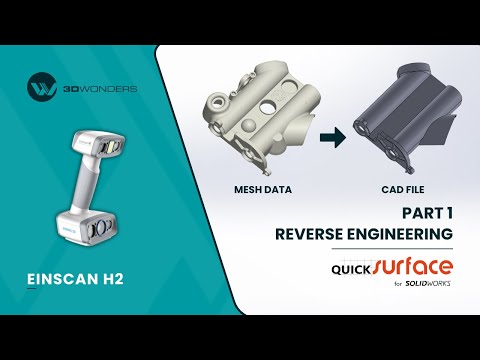
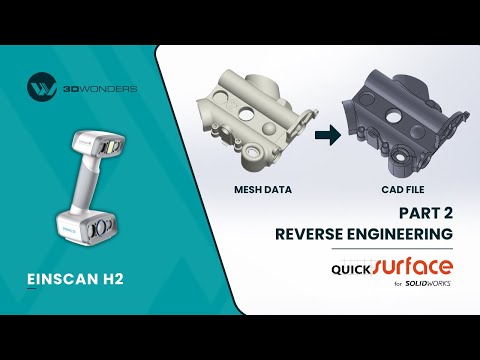

As a verified Gold Reseller and Approved Demo & Support Partner of QUICKSURFACE. 3D Wonders provides licensed software, expert onboarding, and dedicated customer support—ensuring you get the most from every update.
Computer Requirements
| Category | Requirements |
|---|---|
| Operating System | Windows 10/11 (64-bit) (Requires compatible SOLIDWORKS version) |
| Processor (CPU) | Intel Core i7 or equivalent (Recommended for SOLIDWORKS) |
| Memory (RAM) | 16 GB minimum (32 GB or more highly recommended for huge mesh data sets) |
| Graphics (GPU) | SOLIDWORKS certified professional graphics card |
| Storage | 512 GB SSD or larger recommended |
Start Equipping Your Students Today
Eligibility
Usage Restrictions
Frequently Asked Questions
Looking for something specific? Let us know, and we’ll be happy to assist you.
Only schools are eligible to purchase educational licenses. It is available to universities, colleges, schools, technical institutes, research institutions, educators, and students with institutional verification.
The software is restricted to educational, teaching, and academic research only. No commercial or industrial use is allowed.
No, institutions receive the full QUICKSURFACE for SOLIDWORKS feature set—the exact same reverse engineering tools used in professional workflows worldwide.
Yes. It is a professional reverse engineering add-in that runs directly inside the SOLIDWORKS desktop software.
You can contact 3D Wonders to discuss your setup, class size, and deployment needs, and we will recommend the most suitable QUICKSURFACE for SOLIDWORKS University License for you.