

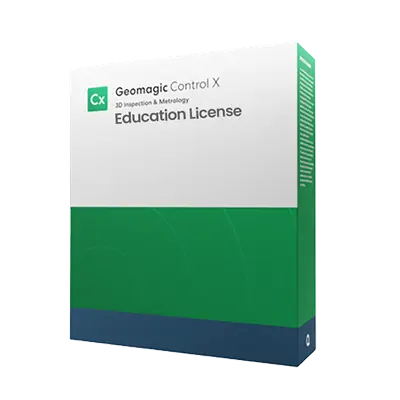
What is Geomagic Control X Education?
-

Why Educators & Researchers Choose Geomagic Control X Education
Get a Free DemoEducators choose Geomagic Control X because it provides full access to industry standard 3D inspection tools, allowing students to learn real world quality control workflows. Its cost effective institutional volume licensing and seamless scanner compatibility make it ideal for equipping entire metrology labs.
-

Empowering Classrooms & Labs with 3D Metrology
Request a Free TrialGeomagic Control X Education empowers students to perform real time inspection directly on the lab floor using portable 3D scanners. They can visualize dimensional deviations using intuitive 3D color maps, understand strict GD&T standards, and learn to automate repetitive inspection workflows using Visual Scripting.


Typical Workflow Using Geomagic Control X Education

See How Academic Institutions Use This in the Classroom
-

Mechanical Engineering
Students inspect complex mechanical parts and extract linear, angular, and radial dimensions to perform detailed GD&T evaluations.
-

Industrial Design
Classrooms evaluate manufacturing tolerances by using 3D color deviation maps to compare physical assemblies against original CAD designs.
-

Healthcare & Biomechanics
Medical students utilize 3D scanning and inspection to evaluate the precise fit of custom orthotics and anatomical models.


See Geomagic Control X in Real Inspection Workflows
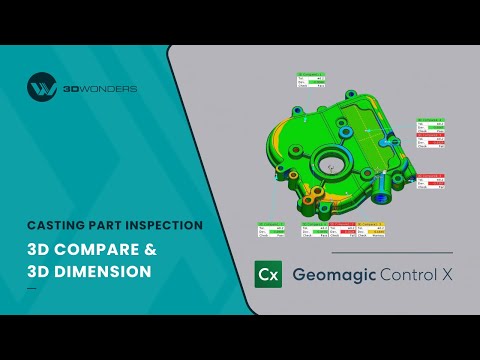
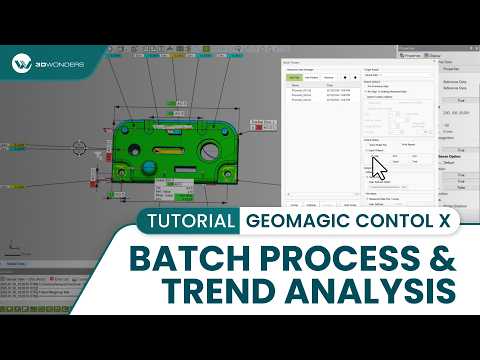

Geomagic Software Training
3D Wonders offers live online training for Geomagic software, including Design X, Control X, and Geomagic Freeform. These sessions help engineers and designers learn the key workflows used in scan-to-CAD modeling, inspection, and organic design.
Training is delivered by experienced specialists and focuses on practical techniques for working with 3D scan data, CAD reconstruction, and digital modeling.
Available topics include:
• Reverse engineering with Geomagic Design X
• Inspection and GD&T analysis with Geomagic Control X
• Organic modeling with Geomagic Freeform
Our online training sessions can be organized for individuals or teams and adapted to your workflow and experience level.
Computer Requirements
| Category | Minimum Requirements | Recommended Workstation |
|---|---|---|
| Operating System | Windows 10 (64-bit) or Windows 11 | Windows 11 |
| Processor (CPU) | Intel or AMD 64-bit processor | Intel Core i7/i9 (13th gen or newer) or AMD Ryzen 7/9 (5000 series or newer) |
| Memory (RAM) | 8 GB | 32 GB or more |
| Graphics (GPU) | NVIDIA GPU with OpenGL 4.0 support and 2 GB VRAM | NVIDIA RTX series with 4 GB VRAM or more |
| Storage | 30 GB free disk space | SSD with 512 GB or larger |
Start Equipping Your Students Today
Educational License Models
Compliance and Non-Commercial Policy
Frequently Asked Questions
Looking for something specific? Let us know, and we’ll be happy to assist you.
Only schools are eligible to purchase educational licenses. It is ideal for teaching, lab exercises, and research.
Geomagic Control X Education Licenses are strictly for teaching and research, not commercial production or profit-generating work.
No, institutions receive the complete Geomagic Control X Professional feature set, identical to the commercial edition.
Yes, it imports current CAD file formats (SOLIDWORKS, CATIA, NX, Creo) with full support for PMI and GD&T data.
You can contact 3D Wonders to discuss your setup, class size, and deployment needs, and we will recommend the most suitable license for you.