


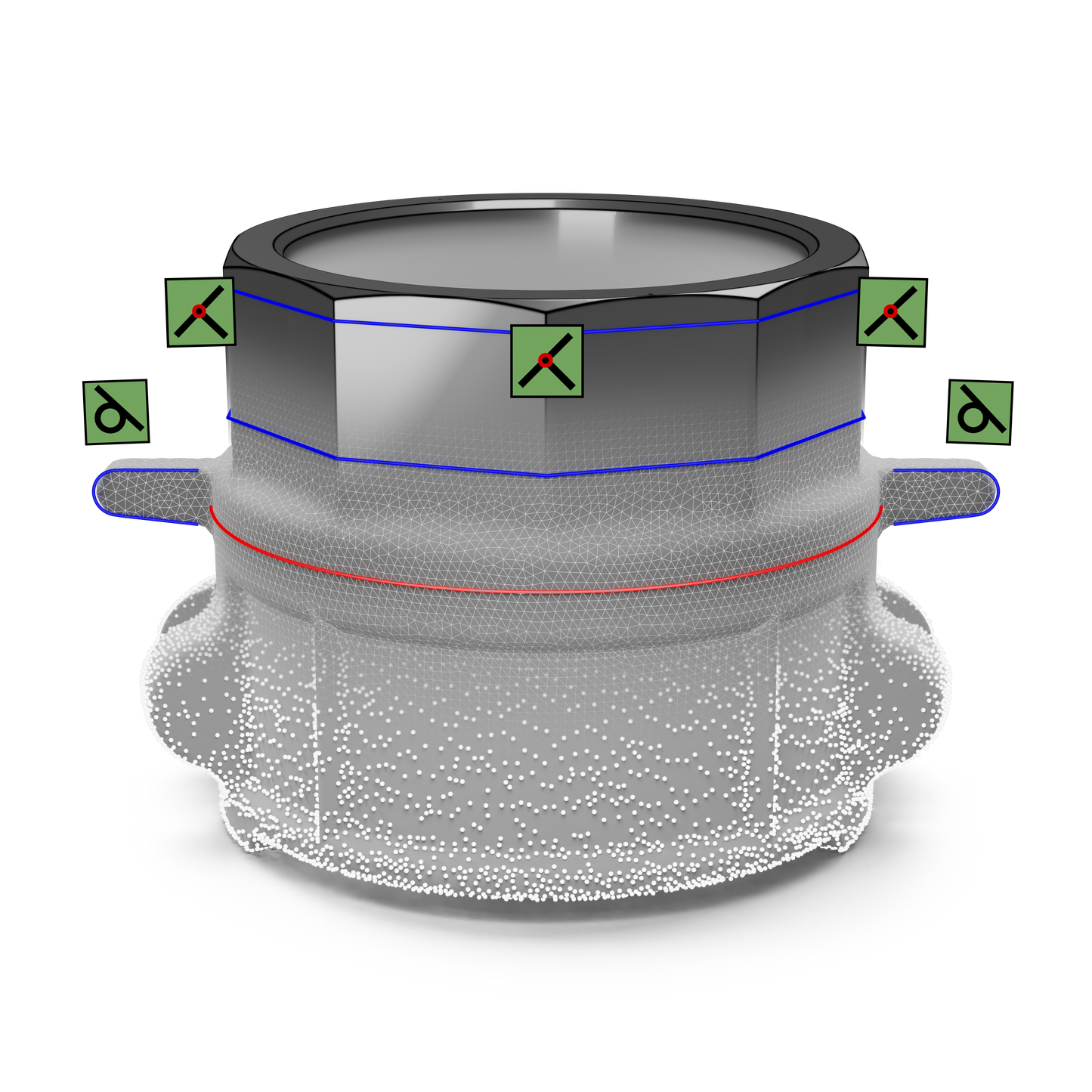
What is Geomagic Design X?
-

Why User Use Geomagic Design X for Reverse Engineering
Get a Free DemoUsers choose Geomagic Design X because it is the standard advanced reverse engineering software combining history based CAD directly with raw scans. It allows engineers to automatically extract fully parametric solid models with live accuracy analysis, bypassing manual tracking bottlenecks.
-

Reverse Engineering with Geomagic Design X
Request a Free TrialReverse engineering with Geomagic Design X transforms raw point clouds or imported mesh profiles into highly accurate parametric solid models. Designers can perform automatic or exact surfacing to instantly generate watertight geometry ready for traditional manufacturing simulation


Typical Workflow Using Geomagic Design X

See How Businesses Use This in the Real World
-

Automotive & Aerospace
Motorsport regulators create digital twins of race cars in Design X to quickly verify dimensional compliance, ensuring technical standardization and competitive fairness.
-

Industrial & Manufacturing
Engineering firms use Design X to reverse engineer obsolete mining equipment, identify spatial collisions, and verify manufacturing tolerances with precise heat mapping.
-

Product Design & Creative
Conservationists digitize rare historic automobiles, using Design X to generate complete CAD models guiding precise restoration and historical preservation decisions.
-

Architecture, Engineering & Construction
Civil engineering teams process massive terrestrial scans in Design X to reverse engineer damaged infrastructure, enabling accurate virtual collision simulations before physical testing.


See Geomagic Design X in Real Design Workflows
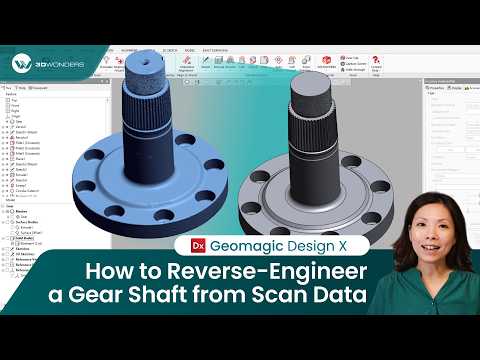
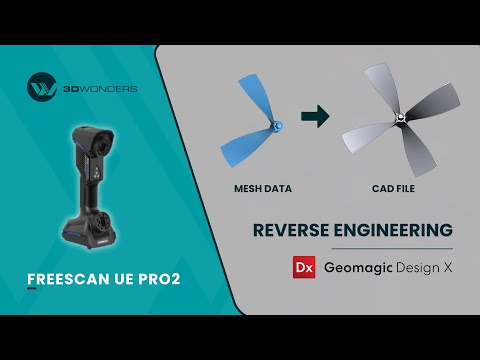

Geomagic Software Training
3D Wonders offers live online training for Geomagic software, including Design X, Control X, and Geomagic Freeform. These sessions help engineers and designers learn the key workflows used in scan-to-CAD modeling, inspection, and organic design.
Training is delivered by experienced specialists and focuses on practical techniques for working with 3D scan data, CAD reconstruction, and digital modeling.
Available topics include:
• Reverse engineering with Geomagic Design X
• Inspection and GD&T analysis with Geomagic Control X
• Organic modeling with Geomagic Freeform
Our online training sessions can be organized for individuals or teams and adapted to your workflow and experience level.
Computer Requirements
| Category | Minimum Requirements | Recommended Workstation |
|---|---|---|
| Operating System | Windows 10 (64-bit) or Windows 11 | Windows 11 |
| Processor (CPU) | Intel or AMD 64-bit processor | Intel Core i7/i9 (13th gen or newer) or AMD Ryzen 7/9 (5000 series or newer) |
| Memory (RAM) | 8 GB | 32 GB or more |
| Graphics (GPU) | NVIDIA GPU with OpenGL 4.0 support and 2 GB VRAM | NVIDIA RTX series with 4 GB VRAM or more |
| Storage | 30 GB free disk space | SSD with 512 GB or larger |
Start Using Geomagic Design X
Frequently Asked Questions
Looking for something specific? Let us know, and we’ll be happy to assist you.
-Windows 8.1 (64-bit)
-Intel or AMD processor with a minimum 2.0 GHz
-8GB RAM
-30GB of available hard-disc space (additional space may be required for cache)
-32-bit true colour display, screen resolution 1280x960
-GPU - OpenGL 3.0 or above enabled graphics card with 4GB of RAM or more
- Seefull system requirements here.
Geomagic Design X supports export of most current CAD file formats, a complete list of supported file formats can be foundhere.
Geomagic Design X supports the following languages: English, Chinese, Japanese, Korean, German, Italian, Portuguese, Spanish, Polish, Turkish, French and Czech.
The Geomagic Design X free trial gives you access to the complete Geomagic Design X Pro toolset for 14 days.