

Published May 8, 2024 · Updated July 19, 2026
A widebody kit only fits right if the CAD underneath it actually matches the car. Not the car on paper. The actual, dented, decades-old sheet metal sitting in the shop.
That's the problem IMEE MADE ran into with his Honda Beat, and it's why he swapped a hobby-grade 3D scanner for a professional one supplied by 3D Wonders: the EinScan HX.
At a glance
The creator
Who is IMEE MADE?
IMEE MADE is a YouTube and Instagram creator known for car modification builds, camper van projects, and hands-on fabrication content, most of it built around a single, long-running Honda Beat kei car project.
The channel's earlier work on the Beat included a custom LED taillight conversion that picked up enough attention (and enough comments about the red reverse lights) that IMEE MADE went back with a 3D scanner to design corrected reverse-light bezels. That project is documented on the IMEE MADE blog and used Creality's entry-level CR-Lizard scanner.
The widebody project picks up where that one left off. Same car, same shop, much higher stakes. Instead of a small bumper section, the goal is a full exterior digital twin accurate enough to design custom panels and a new front bumper in CAD.

Meet Louis of IMEE MADE, an engineer known for five years of popular DIY projects. His most successful project attracted 1.8M views on YouTube. Yet, in his pursuit, he had relied on a hobbyist 3D scanner, until now.
In May 2024, we entrusted Louis with the EinScan HX, a professional 3D scanner widely used by businesses. Follow along as he elevates his craft with the precision and capabilities of a professional scanner, and follow both us and IMEE MADE for more.
The challenge
You can't design a widebody kit around a car you haven't actually measured

A widebody kit lives or dies on fitment.
Flares, panels, and a new front bumper all need to follow the real contour of the car, including whatever the Beat picked up over 30-plus years of sitting idle. Sketching that by eye, or working from stock CAD if it even exists for a kei car this old, isn't good enough for panels that need to line up with existing body lines.
The fix is to scan the car and reverse engineer the CAD from the scan data. That's a straightforward idea. Getting a clean, complete scan of an entire vehicle exterior is the hard part, and it's where most of this project's problems (and workarounds) show up.
The equipment
Why the upgrade to a professional scanner mattered
IMEE MADE's earlier taillight project used an entry-level, markerless scanner. It worked fine for a single bumper section, but a full car body is a different job: bigger surfaces, more reflective trim, more distance to cover without losing tracking. For this project, 3D Wonders supplied the EinScan HX, a professional-grade handheld scanner built around hybrid blue laser and LED light sources.
Dark and reflective trim
Handles the Beat's darker and more reflective trim without the ambient-light sensitivity that trips up LED-only scanning.
Large body panels
Covers large body panels quickly. It's the same hybrid approach SHINING 3D recommends for automotive body and chassis work.
EinScan HX technical specifications
Want the full spec sheet or a refurbished unit? 3D Wonders carries the EinScan HX and HX2 scanners directly.
Lessons learned
Three marker methods IMEE MADE tried, and why two of them failed
Marker-based scanning needs tracking targets the scanner can lock onto as it moves. Sticking hundreds of individual dots onto a whole car by hand is slow, so IMEE MADE tried to shortcut that step twice before landing on the method that actually worked.
Cornstarch and alcohol coating
Thin surface film sprayed on to reduce reflectivity before scanning.
Helped the scanner read the surface better; used as prep, not a marker replacement.
3D-printed "scanning net"
Custom-printed net draped over the car instead of individual dots.
Failed. The scanner picked up the net's own geometry, adding artifacts to the data.
Magnetic tracking pyramids
3D-printed pyramids with tracking targets, placed magnetically.
Failed. Left large voids in the scan and needed more pyramids than were on hand to hold tracking.
Hand-placed tracking markers
Hundreds of individual markers stuck directly to the body.
Worked. Slower, but produced the cleanest, most complete data.
The takeaway: anything that sits between the scanner and the surface, a net, a shortcut prop, tends to get scanned itself. Direct markers on the actual surface remain the most reliable method for full-body automotive scans, even when they're the least convenient to set up.
The scan
The scan workflow: sections, point caps, and cutting the windows
IMEE MADE scanned the Beat in overlapping sections, working counterclockwise around the vehicle so each pass had enough shared geometry with the last one to align cleanly later. Two practical limits shaped the process:
Point cap
More data isn't automatically better if the workstation processing it can't keep up, and a car body doesn't need more resolution than that to design accurate CAD panels from.
Window removal
Glass reflects and refracts scan data in ways that create noise rather than usable geometry, so window sections were stripped from the final dataset entirely.
Once all the sections were captured, they were merged in software through an alignment process, stitching the overlapping sections into one continuous 3D model of the car's exterior. That aligned mesh is the starting point for the CAD work ahead: the widebody flares and the new front bumper.
Next steps
From scan data to a buildable widebody kit
Capture
The full exterior with a hybrid laser/LED scanner and physical tracking markers.
Align
The overlapping sections into one clean mesh, with window data removed.
Reverse engineer
The mesh into CAD surfaces, in software built for scan-to-CAD workflows.
Design
The widebody panels and front bumper against that CAD, so new parts follow the car's actual body lines instead of an assumed shape.
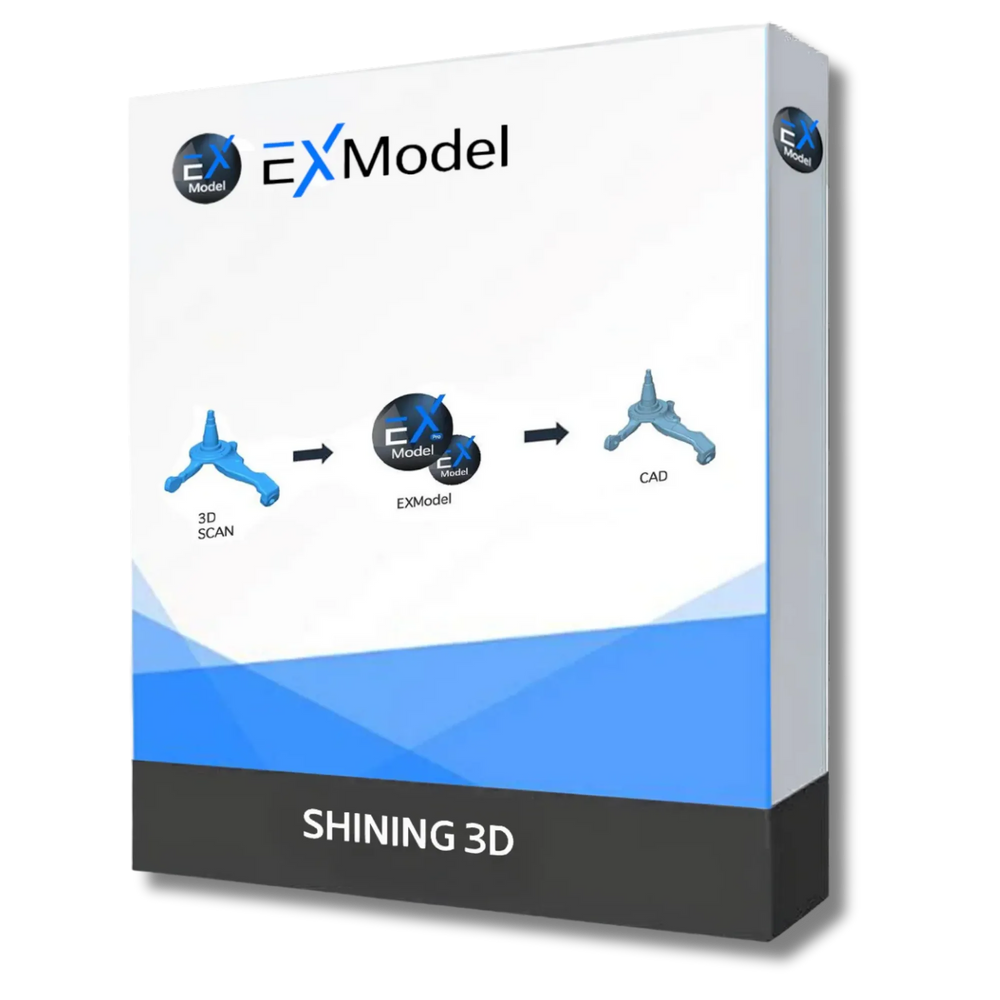
Step 3 software
EXModel
Step 3 is where a scan-to-CAD tool matters as much as the scanner. EXModel, part of 3D Wonders' reverse engineering software lineup, is built to take EinScan point cloud data and turn it into editable CAD surfaces, the exact next step after a scan like this one.
View EXModel →Your project
Get the same setup IMEE MADE used
If you're staring down a reverse engineering project of your own, a fender, a full body, a legacy part with no CAD to speak of, these are the scanners built for exactly this.
Note: the EinScan HX is being discontinued. The EinScan Rigil and FreeScan Combo are its successors for this kind of work, and both plug straight into scan-to-CAD software.

Wireless, no laptop required
EinScan Rigil
Starting at $3,499.00
Wireless tri-mode laser scanning at 0.04 mm accuracy, with no laptop required.

Metrology-grade accuracy
FreeScan Combo
Starting at $11,999.00
0.02 mm accuracy and marker-free scanning for dark or reflective surfaces.
Scanner + software + training
Not sure which scanner or software fits your project?
Talk to the 3D Wonders team about the right scanner, scan-to-CAD software, and training for your reverse engineering project.
Talk to the team